

Cannot reference a project to itself
When trying to establish reference between projects it complains user is trying to establish reference to itself.
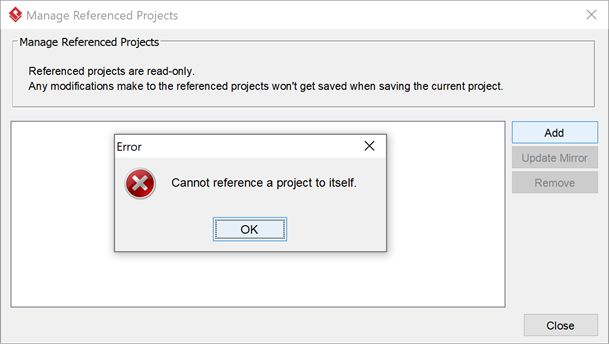
Try create project reference but complained reference to the project itself

When trying to establish reference between projects it complains user is trying to establish reference to itself.
Try create project reference but complained reference to the project itself
For Visual Paradigm Desktop user they can sign up VP Online and use it as their team collaboration repository. As long as your repository do not exceed 1GB size then this service will be free of charge. This article provide step-by-step instruction to VP Desktop user about how to sign-up their VP Online workspace and perform team collaboration on it.
Error was show when trying to enter non-English text to Customer Journey Map (CJM), no matter within Visual Paradigm Desktop application or Teamwork Server’s web interface.
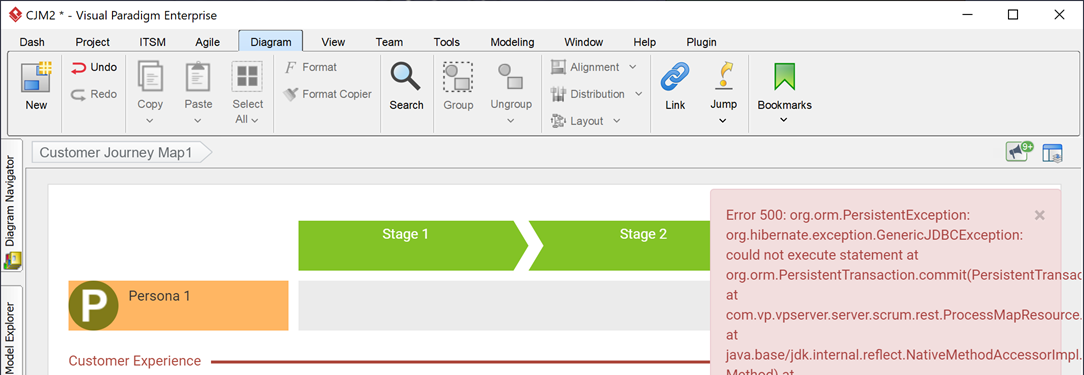
Fail to edit Customer Journey Map (CJM)
There are lots of similar stereotypes being created in our team collaboration project. How can we avoid this problem? In Visual Paradigm you can grant edit stereotype permission to specific user/group, or allow particular user/group to edit the stereotype just on specified projects. In this article we will teach you how to configure your repository to achieve this.
When import a project from VP Desktop client to repository (VP Online or on-premises Teamwork Server) it complains the project already exist, even the same named project already being deleted in repository…
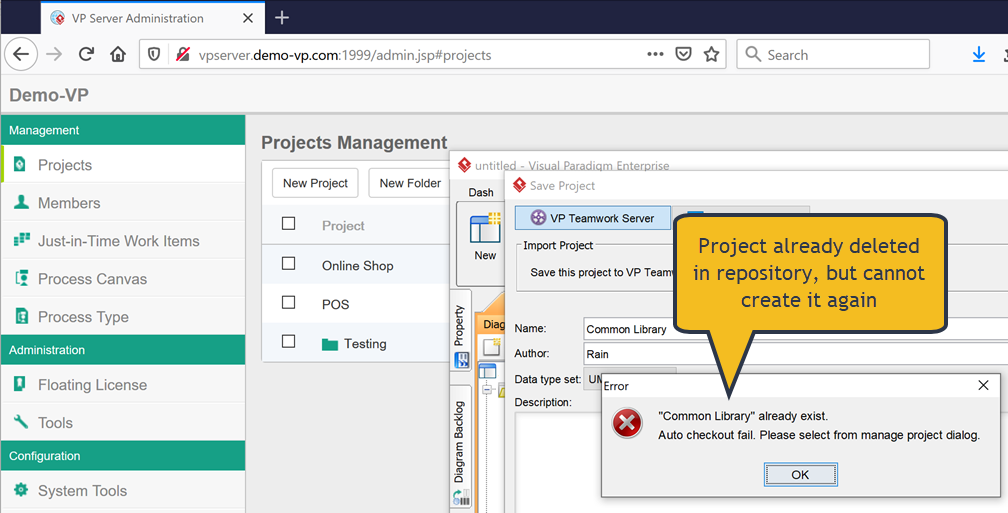
Same named project already deleted in repository but still cannot re-create it
Visual Paradigm Project Viewer (VP Viewer) is a free application which allow user to browse the content of your projects without the need of purchase any license key. For large organization you can setup viewer users in your repository so that they can browser your projects without afraid that they will get modified. In this article we will show you how to create viewer users in your VP Online workspace and how the viewer users can access to your projects.
Visual Paradigm Project Viewer (VP Viewer) is a free application which allow user to browse the content of your projects without the need of purchase any license key. For large organization you can setup viewer users in your repository so that they can browser your projects without afraid that they will get modified. In this article we will show you how to create viewer users in your on-premises Teamwork Server and how the viewer users can access to your repository.
To remove the Story Map from your project:
Starting from v16.0 the on-premises VP Server comes with a new module called Content Repository, which is responsible to support the new VP Form features. By default the Content Repository is configured for HTTP connection only. To make the Content Repository works with HTTPS connection you will need to adjust the configuration in the following way:
Starting from version 16.1 the VP Server require a new node module in order perform certain services. By default VP Server will automatically download and install this module for user. But in case user’ VP Server cannot access Internet then the auto setup procedure will not work and in this case user can follow the steps below to manual install this module to their VP Server.
